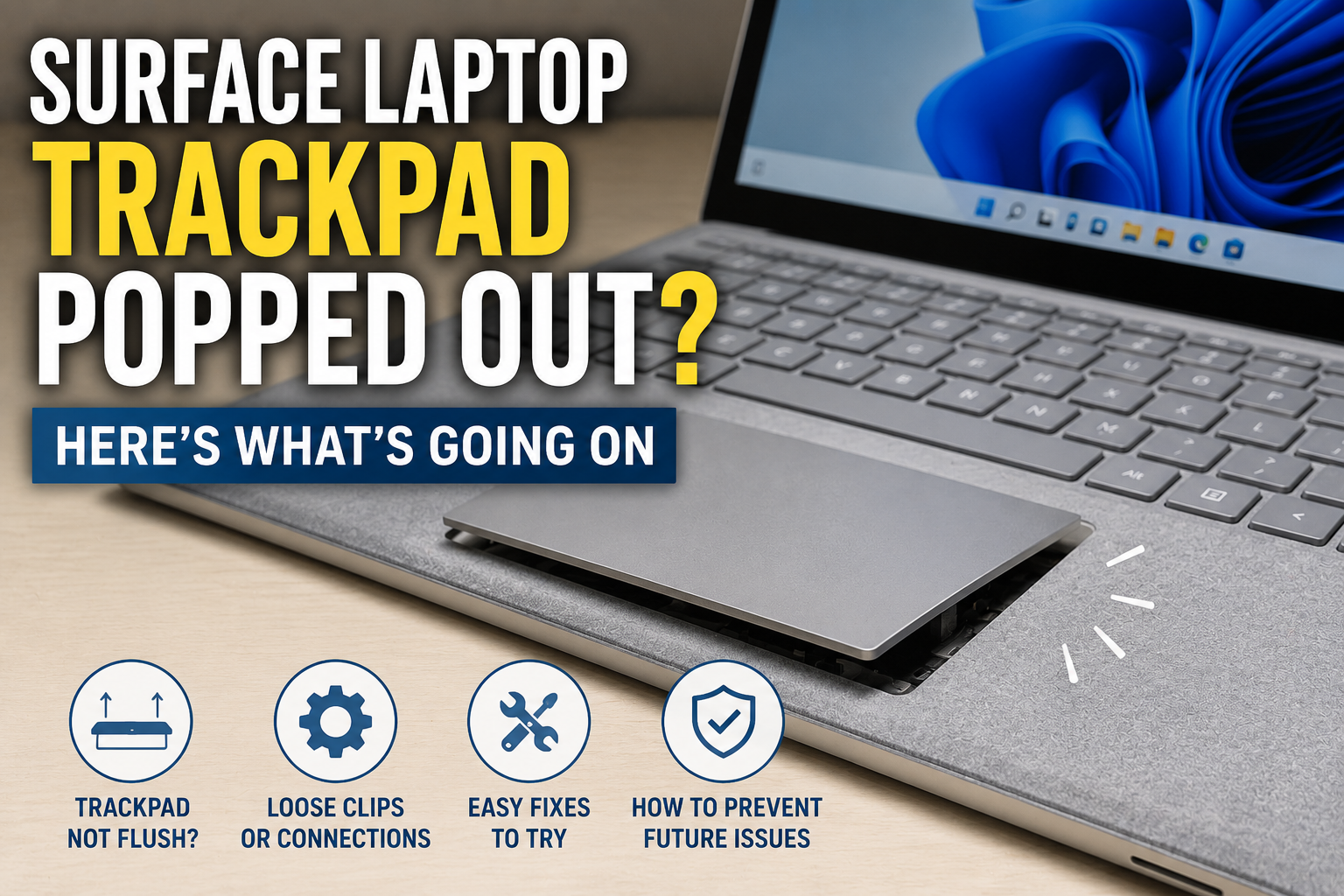
Surface Laptop Trackpad Popped Out? Here’s What’s Going On
Why a Surface Laptop Trackpad Pops Out
Nine times out of ten, this comes down to one thing: a swollen battery. The battery sits right under the trackpad on most Surface laptops. When a battery swells, even slightly, it pushes up on everything above it, including the trackpad.
A swollen battery is not something to ignore. It’s a battery that’s built up extra gas inside, usually from age or a bad charging cycle, and it’s physically bigger than it should be. That extra size is exactly what pushes the trackpad loose.
How to Tell If It’s a Battery Problem
Look at the bottom of the laptop. If the case near the trackpad area looks slightly puffed up, or the laptop doesn’t sit flat on a table anymore and rocks a little, that points straight to battery swelling.
Here’s the annoying part: it can be hard to notice at first, since the swelling is often small. A popped-out trackpad is sometimes the very first sign people actually catch.
Is It Safe to Keep Using a Laptop With a Popped-Out Trackpad?
Short answer: not really, if it’s a swollen battery causing it. A swollen lithium battery can get worse over time, and in rare cases, it can leak or even catch fire. That’s not meant to scare you, it’s just the honest risk.
So what does this actually mean for you right now? Stop charging the laptop past what you need, avoid pressing hard on the trackpad area, and get it looked at soon rather than waiting months.
What People on Reddit and iFixit Say About This
This exact problem shows up a lot in Surface owner communities. A discussion thread on r/Surface walks through the same symptoms many owners report, and battery swelling comes up again and again as the cause.
iFixit’s community answers cover this too, including cases where the trackpad popped out after a drop instead of a battery issue. That’s worth knowing, since not every case is the battery. Sometimes a hard drop just knocks the trackpad loose on its own, with no swelling at all.
What to Do If Your Surface Laptop Trackpad Popped Out
First, stop charging it. Unplug the charger and don’t plug it back in until you know what’s causing this. A swollen battery under charge is more risky than one just sitting there.
Second, don’t try to push the trackpad back down hard. If it’s a battery issue, pressing on it can be genuinely dangerous. A little gentle check is fine, but don’t force it flat.
Third, back up your files soon. If this does turn out to be a battery repair, you may be without the laptop for a few days.
When It’s Just a Loose Clip, Not a Battery
That said, there’s an exception. If the laptop was recently dropped and nothing looks puffed up underneath, it might just be a loose adhesive or clip holding the trackpad in place. That’s a much simpler, cheaper fix than a battery swap.
You can usually tell the difference by pressing very lightly near the edge. If it clicks back down flat with almost no resistance and stays there, it’s likely just a clip. If it pushes back up again on its own, that’s the battery talking.
Should You Fix This Yourself or Get Help?
Honestly, this is one repair I wouldn’t recommend doing yourself if a battery is involved. Swollen lithium batteries need careful handling, and Surface laptops are not the easiest machines to open up safely.
Microsoft’s own support forum generally points owners toward an official repair or replacement in cases like this, rather than a DIY fix, and that lines up with what most experienced repair techs say too.
If you’re outside of warranty, a repair shop that handles Microsoft devices specifically is a safer bet than a general phone repair place. Places like Pronto Arigato’s Surface trackpad replacement service show what this kind of repair usually looks like from a shop that’s done it before.
What a Repair Usually Involves
In most cases, fixing this means replacing the battery entirely, not just pushing the trackpad back into place. Once a lithium battery swells, it doesn’t shrink back down on its own, so the swelling stays even after the trackpad is reset.
A repair shop will usually open the base, remove the swollen battery safely, and either fit a new one or reseat the trackpad if it turns out no battery was involved at all.
Common Mistakes People Make
- Keeping the laptop plugged in and charging anyway, hoping it goes away on its own. It usually doesn’t.
- Pressing hard on the trackpad to force it flat again, which can stress a swollen battery further.
- Waiting months before getting it checked, even after noticing the case doesn’t sit flat anymore.
Could This Happen With Other Surface Models Too?
Yes. This isn’t limited to one exact model. Battery swelling can affect other Surface devices too, and it’s a similar story to reports of a Microsoft Surface laptop 3 screen crack showing up after a drop. Both issues tend to trace back to either physical impact or an aging battery, just showing up in different spots on the device.
A Quick Note From PickHonestly
Most of what we cover on this site leans toward cameras and gear reviews, from picking a first camera to more specific gear like sewer inspection cameras. But laptop and device issues like this one come up often enough for our readers that it felt worth covering properly, since a swollen battery is genuinely something to take seriously no matter what device it’s in.
FAQ
Why did my Surface laptop trackpad pop out?
Most of the time, it’s caused by a swollen battery pushing up from underneath. Less often, it’s from a hard drop that knocked the trackpad loose without any battery involved.
Is a popped-out trackpad dangerous?
If it’s caused by a swollen battery, yes, it’s worth taking seriously. Stop charging the device and get it checked rather than waiting.
Can I fix a popped-out Surface trackpad myself?
If it’s just a loose clip from a drop, sometimes yes. If a swollen battery is involved, it’s safer to get a repair shop or Microsoft support to handle it.
Will Microsoft repair or replace it under warranty?
If your device is still under warranty, Microsoft’s support team usually handles this as an official repair. Check your warranty status before paying for a private repair shop.
How much does a Surface trackpad or battery repair usually cost?
Prices vary by shop and model, but a battery replacement tends to cost more than a simple trackpad reseat. Getting a quote from a repair shop first is the safest way to know your exact cost.
Final Thoughts on a Surface Laptop Trackpad That Popped Out
A Surface laptop trackpad popping out looks alarming, but it’s a known issue with a known cause most of the time. Stop charging it, get it checked, and don’t try to force it flat yourself if a battery is behind it.